
Last updated: October 21, 2026. The best WooCommerce POS plugins for 2026 are choPOS for a free, full-featured register inside WordPress, WCPOS for a free plugin with desktop apps, and the built-in WooCommerce POS for simple tablet card sales. Oliver POS, YITH POS and Openpos suit offline, multi-register and one-time-price needs.
We compared 12 point of sale options for WooCommerce on pricing, card readers, receipt printing, offline mode and multi-store support. Every price and feature below comes from the vendor’s own page or WordPress.org, checked on October 21, 2026, and is linked so you can verify it.
Disclosure: choPOS is built by the team behind WPPRES, and we rank it first. We hold it to the same standard as everyone else: its limits are listed as plainly as its strengths, and the comparison table uses the same columns for every plugin. No other product on this list paid to be included, and there are no affiliate links.
Which WooCommerce POS plugin should you pick?
Pick a WooCommerce POS by where you sell and how you take cards. If you want the register inside WordPress with no monthly fee, start with choPOS or WCPOS. If you need integrated card readers and offline sales, look at Oliver POS or Openpos. Multi-location retailers with a budget should consider Hike or ConnectPOS.
- Best free POS inside WordPress: choPOS, with unlimited cashiers, receipts, taxes and barcode scanning at no cost.
- Best free plugin with desktop apps: WCPOS, with Windows, macOS and Linux apps.
- Best official option: WooCommerce POS, free in the Woo mobile app for tablets.
- Best for offline selling: Oliver POS, built offline-first on iPad, iPhone and Android.
- Best one-time price: Openpos, $74 once on CodeCanyon.
- Best for multi-location retail: Hike POS, a full retail system from $99 a month.
What is a WooCommerce POS plugin?
A WooCommerce POS plugin is software that turns a WooCommerce store into a point of sale for in-person selling. It lets staff ring up products, take payment and print receipts at a counter, while stock, orders and customers stay in sync with the online shop.
That shared catalog is the whole point. According to W3Techs (October 21, 2026), WooCommerce runs on 7.8% of all websites and 47.4% of sites that use a known ecommerce system. Store Leads (October 16, 2026) counts 4,158,307 live WooCommerce stores. Many of them also sell at markets, pop-ups or a shop counter, and a POS keeps both channels on one inventory.
Do you need a POS that runs inside WordPress or an external app?
WooCommerce POS options come in two types. Plugins such as choPOS, WCPOS, YITH POS and Openpos run in the browser on your own site, so data stays in WordPress. Apps such as Oliver POS, Hike, ConnectPOS and Square run on their own platform and sync with WooCommerce, usually for a monthly fee.
| Question | POS inside WordPress | External POS app |
|---|---|---|
| Where does the data live? | In your WooCommerce database | On the vendor’s platform, synced to WooCommerce |
| Typical cost | Free core, paid add-on yearly or once | Monthly subscription, sometimes per register |
| Card readers | Varies; often a separate terminal | Usually integrated, often with the vendor’s own payments |
| Offline selling | Rare | More common |
| Examples | choPOS, WCPOS, YITH POS, Openpos, wePOS | Oliver POS, FooSales, Jovvie, Hike, ConnectPOS, Square |
How we compared these POS plugins
We checked each vendor’s pricing page, documentation and WordPress.org listing on October 21, 2026. WordPress.org install counts, ratings and update dates come from the official plugin API. The choPOS screenshot is from our own install; the other images are each vendor’s own product page.
We dropped two plugins that still appear in older roundups. Point of Sale for WooCommerce by Actuality Extensions is retired: its WooCommerce.com page now redirects to the retired products page. The WordPress.org plugin “POS for WooCommerce” is closed. We also left out WooPayments, which is a payment gateway rather than a POS.
WooCommerce POS plugins compared
The table compares all 12 options on the features that decide most purchases. “Card payments” means card readers that work inside the POS; plugins marked “External terminal” record a card taken on a separate machine. Prices are starting prices in US dollars unless marked otherwise.
| POS | Type | Free version | Paid from | Card payments | Offline | Multi-store |
|---|---|---|---|---|---|---|
| choPOS | WordPress plugin | Yes | $29/yr or $49 once | WooCommerce gateways, external terminal | No | Pro |
| WCPOS | Plugin + desktop apps | Yes | $129/yr or $399 once | Stripe Terminal, SumUp (Pro) | Partial | Pro |
| WooCommerce POS | Woo mobile app | Yes | $5/mo per card reader | WooPayments, Stripe readers | No | No |
| Oliver POS | External app | Yes (20 products) | $89/yr | Oliver Pay (Stripe) | Yes | Pro, Enterprise |
| YITH POS | WordPress plugin | No | €179.99/yr | External terminal | No | Yes |
| Openpos | WordPress plugin | Lite | $74 once | Square, Stripe, Authorize.net add-ons | Yes | Yes |
| FooSales | External app | Trial | $19/mo (annual) | Square, Stripe (Plus) | Limited | Yes |
| wePOS | WordPress plugin | Yes | $199/yr (list) | WooCommerce gateways (Pro) | Not stated | Pro |
| Jovvie | External app | 25 orders | $29/mo + platform fee | Stripe Terminal, NMI | No | Yes |
| Square for WooCommerce | Sync plugin | Yes | Square fees | Square hardware | Via Square | Yes |
| Hike POS | External app | Trial | $99/mo (annual) | HikePay | Not stated | Yes |
| ConnectPOS | External app | No | $39/register/mo (annual) | 50+ integrations | Yes | Yes |
The 12 best WooCommerce POS plugins for 2026
1. choPOS (best free POS inside WordPress)
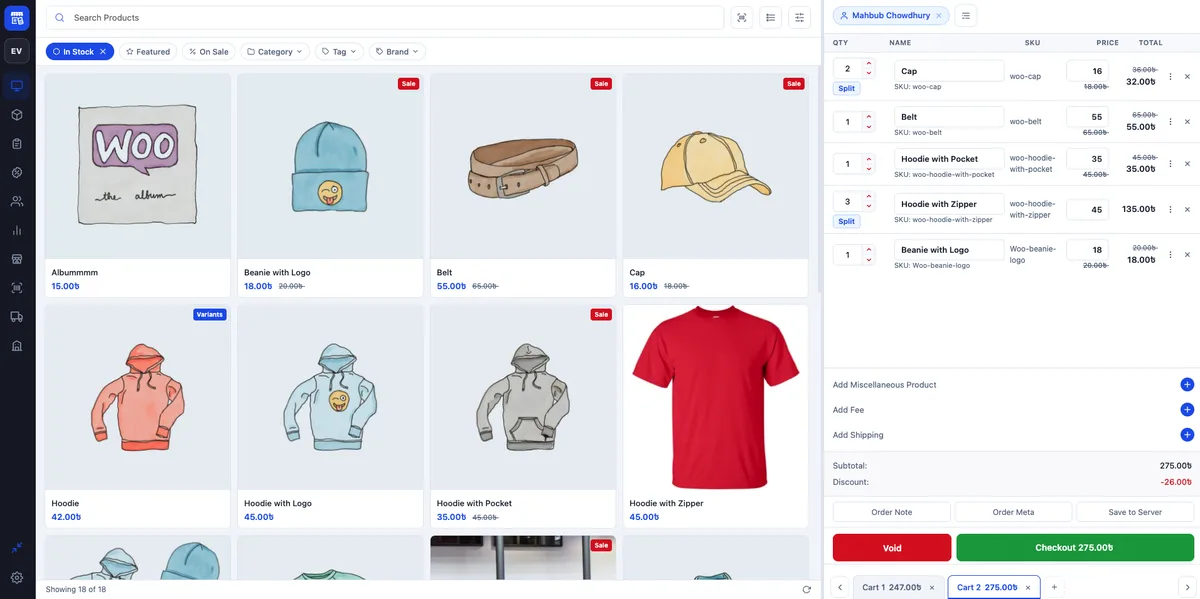
choPOS is a free point of sale plugin that runs a full register inside the WordPress dashboard. Every sale is a standard WooCommerce order, there are no per-sale fees, and the free version includes unlimited cashiers and devices, receipts, WooCommerce taxes, barcode scanning, refunds and sales reports.
Key features (free):
- Full-screen register with product search and filters by stock, category, tag and brand.
- Several carts open at once; unpaid carts are saved as “POS – Open” orders.
- Cash with change due, part payments, and any enabled WooCommerce gateway.
- Receipts for 80 mm and 58 mm thermal printers and A4, as print, PDF or email.
- USB and Bluetooth barcode scanners plus camera scanning, matched by SKU or a barcode field.
- Cashier, manager and reports roles; cashiers see only their own orders.
- Compatible with WooCommerce High-Performance Order Storage.
Pros: the free version has no product, order or device limits; data never leaves your site; Pro adds multiple stores, purchase orders, vendors and barcode label printing from $49 once.
Cons: no integrated card readers, so card payments run on a separate terminal; no offline mode; brand new, with version 1.0.1 published October 11, 2026, fewer than 10 active installs and no reviews yet on WordPress.org.
Pricing: free on WordPress.org. choPOS Pro costs $29 a year for 1 site, or $49 once for up to 5 sites (Free vs Pro).
Best for: single shops and growing multi-store retailers who want the register inside WordPress without a subscription.
2. WCPOS (best free plugin with desktop apps)
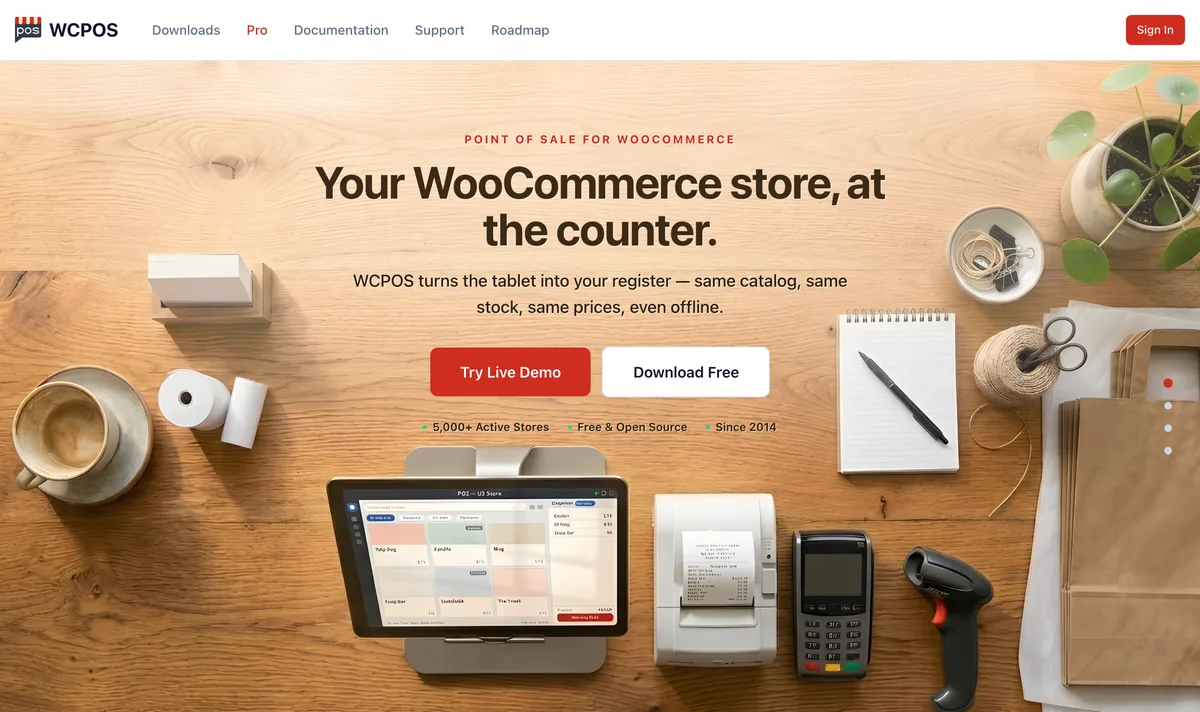
WCPOS by kilbot is a free point of sale plugin with native desktop apps for Windows, macOS and Linux. It has the most installs of any dedicated WooCommerce POS plugin on WordPress.org, and its Pro version adds integrated card readers and multiple stores.
- Payments: cash and manual card free; Stripe Terminal and SumUp readers in Pro.
- Hardware: 58 and 80 mm thermal printers over network, Bluetooth or USB, barcode scanners and cash drawers.
- Offline: partial. You can build carts and save orders during a drop, but payment needs a connection.
- WordPress.org: 5,000+ active installs, 3.7 stars from 84 ratings, updated October 20, 2026.
Pros: strong free tier with no transaction fees; lifetime option; desktop apps.
Cons: mobile apps are still in beta; cloud printing routes receipts through WCPOS servers.
Pricing: free core; WCPOS Pro is $129 a year or $399 lifetime for 2 sites.
Best for: budget-conscious stores that want a capable free POS and integrated card readers later.
3. WooCommerce POS (best official option)
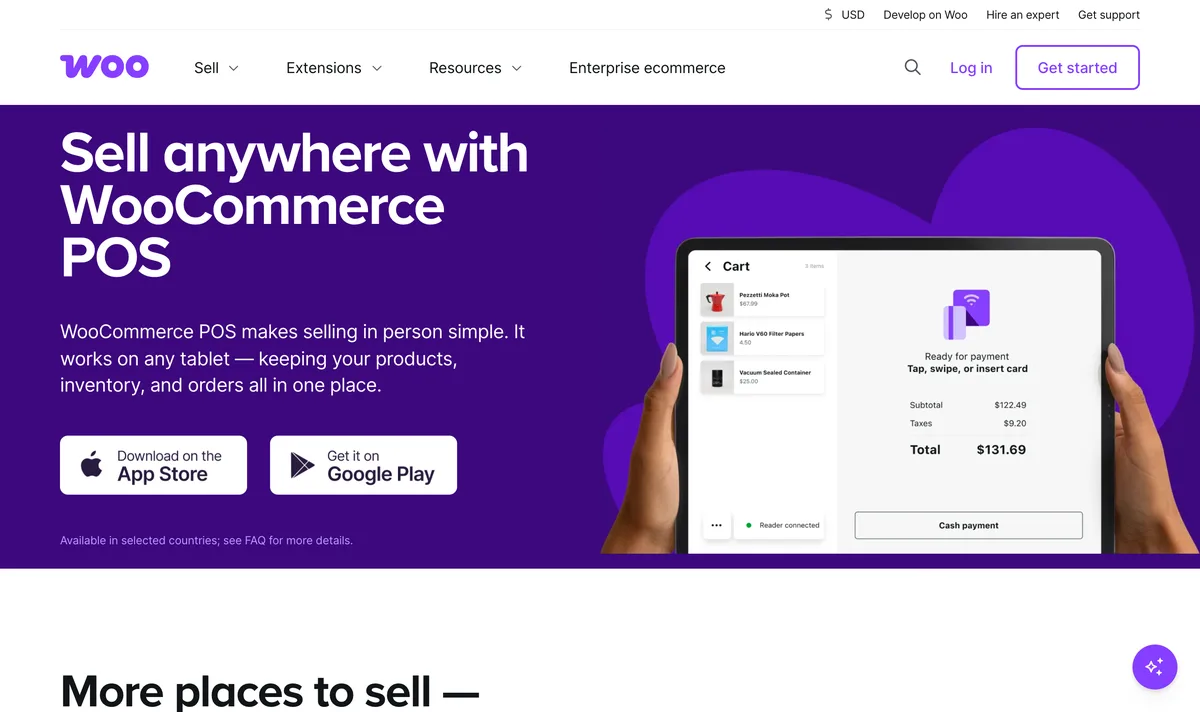
WooCommerce POS is the free, official point of sale built into the WooCommerce mobile app for iOS and Android tablets. It takes card payments through WooPayments or Stripe readers and needs no extra plugin, but it does not yet support receipt printers, cash drawers, offline mode or multiple locations.
- Requirements: WooCommerce 9.6+, Woo app 21.8+, WooPayments or Stripe, iOS 17+ or Android 9+.
- Countries: Australia, Canada, Finland, Ireland, Luxembourg, Netherlands, New Zealand, Singapore, the UK and the US.
- Hardware: Stripe M2 and WisePad 3 readers, Bluetooth barcode scanners. Tablets only; phones are not supported yet.
Pros: free and first-party; set up in minutes from the app.
Cons: no receipt printers or cash drawers yet; no offline mode; limited to 10 countries.
Pricing: the POS is free; WooCommerce charges $5 a month per active card reader plus standard processing fees.
Best for: small stores in supported countries that need simple card sales on a tablet.
4. Oliver POS (best for offline selling)
Oliver POS is an external point of sale app for iPhone, iPad, Android and the browser that syncs with WooCommerce through a plugin. It is built offline-first on every plan, includes Tap to Pay, and sells hardware bundles with Stripe card readers, receipt printers and cash drawers.
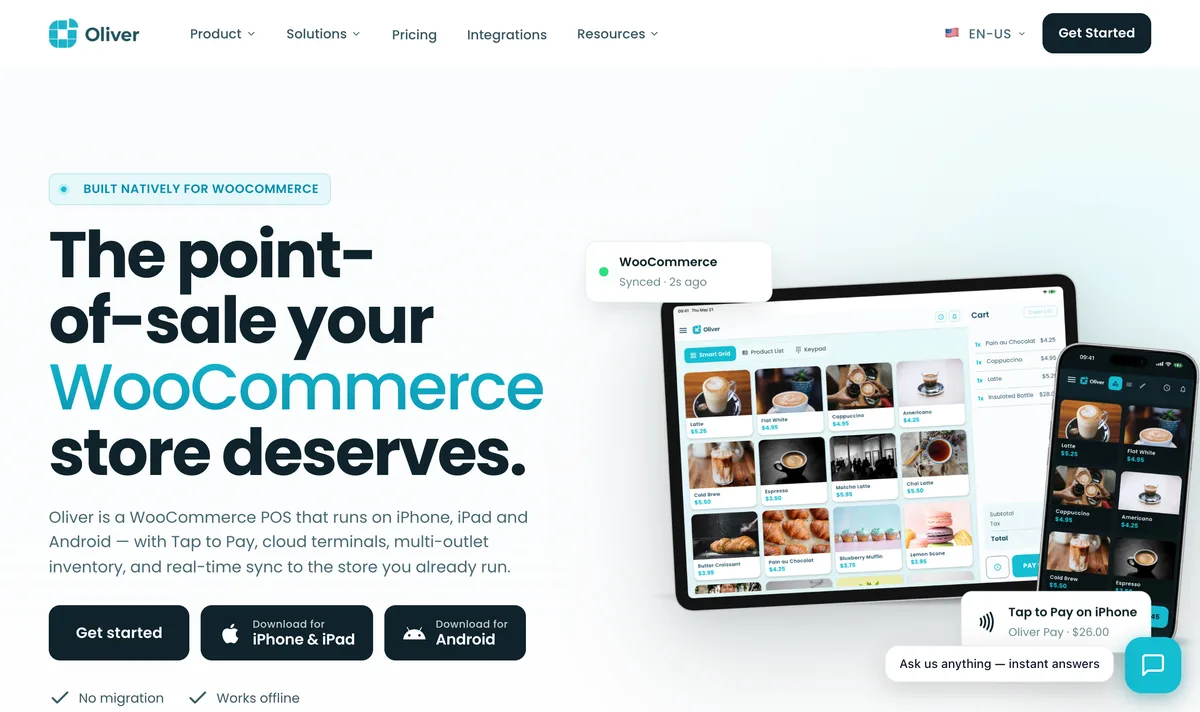
- Payments: Oliver Pay (Stripe) with S700, WisePOS E, WisePad 3 and M2 readers.
- Multi-store: 2 outlets on Pro, unlimited on Enterprise.
- WordPress.org: 700+ active installs, 4.2 stars from 90 ratings, updated September 24, 2026.
Pros: genuine free tier; offline-first; complete hardware bundles.
Cons: the free plan is capped at 20 products and 50 transactions a month; recent WordPress.org reviews report slow support.
Pricing: free plan; Starter $89 a year, Pro $289 a year, Enterprise $489 a year.
Best for: iPad and Android stores that cannot afford downtime when the internet drops.
5. YITH Point of Sale for WooCommerce (best for multiple registers)
YITH Point of Sale is a premium WooCommerce plugin that adds unlimited stores and unlimited registers per store for one yearly fee. It runs in the browser on your own site, but it has no integrated card gateway: you take the card on a separate terminal and mark the sale as paid.
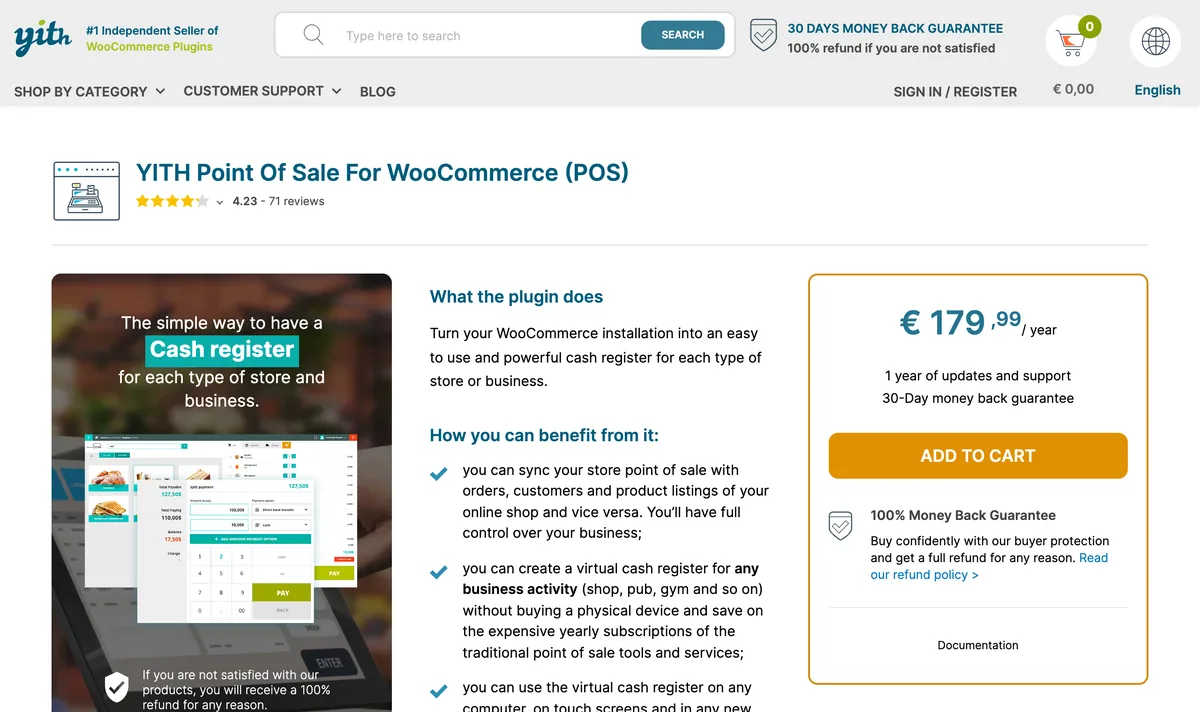
- Hardware: barcode scanners, printed and PDF receipts. Barcode generation needs the separate YITH Barcodes plugin.
- Updates: version 3.27.0 released September 30, 2026; rated 4.23 out of 5 from 71 reviews on YITH’s site.
Pros: unlimited stores and registers; frequent updates; 30-day refund.
Cons: no integrated card payments; no offline mode.
Pricing: €179.99 a year, excluding VAT.
Best for: multi-register shops that already own a standalone card terminal.
6. Openpos (best one-time price)
Openpos is a WooCommerce point of sale plugin sold for a one-time price on CodeCanyon. It supports offline selling, multiple outlets, warehouses and registers, and a restaurant and kitchen view, with free add-ons for Square Terminal, Stripe Terminal and Authorize.net.
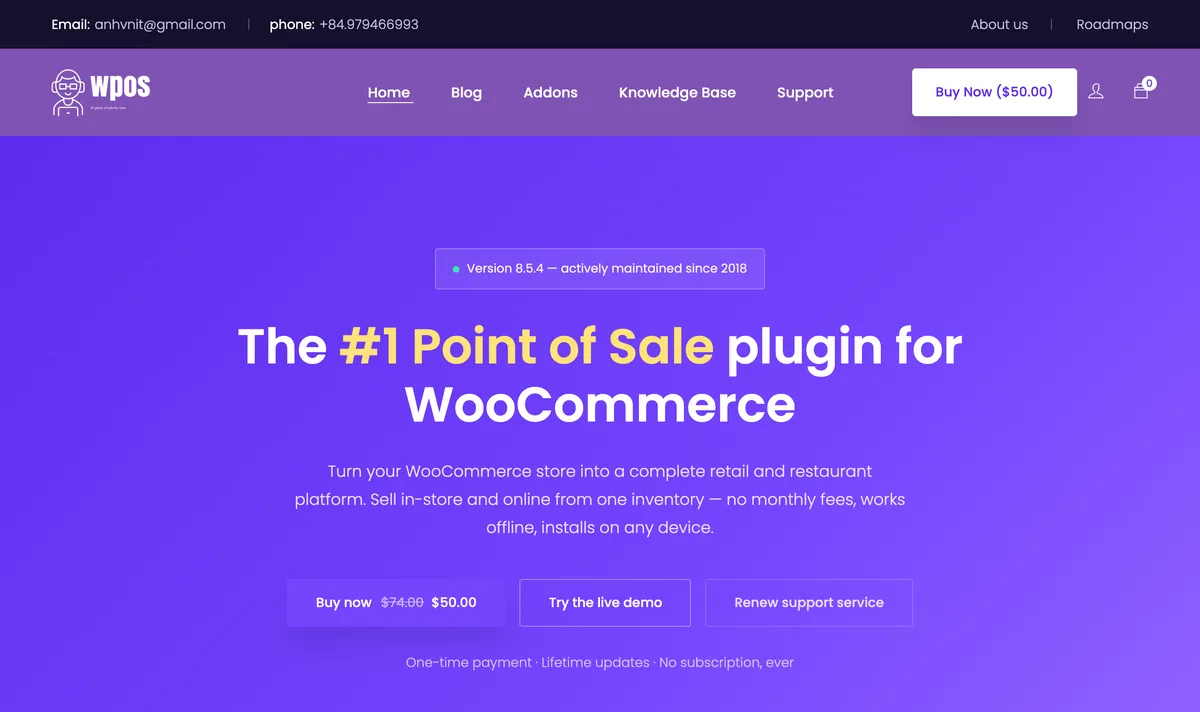
- Hardware: thermal printers, barcode scanners and cash drawers.
- CodeCanyon: 4.92 stars from 263 reviews and 3,957 sales; last updated June 27, 2026.
Pros: no subscription; offline mode; restaurant features.
Cons: support lasts 6 months before you renew it; updates are less frequent than most plugins here.
Pricing: $74 one-time on CodeCanyon; the vendor’s own site listed it at $50 on sale.
Best for: price-sensitive retailers and restaurants that want offline selling without a monthly bill.
7. FooSales (best for events and Square users)
FooSales is a WooCommerce point of sale app for the web, iPad and Android tablets, made by the team behind FooEvents. It is one of the few WooCommerce POS options with direct Square and Stripe card reader support, plus Tap to Pay and broad printer, scanner and cash drawer support.
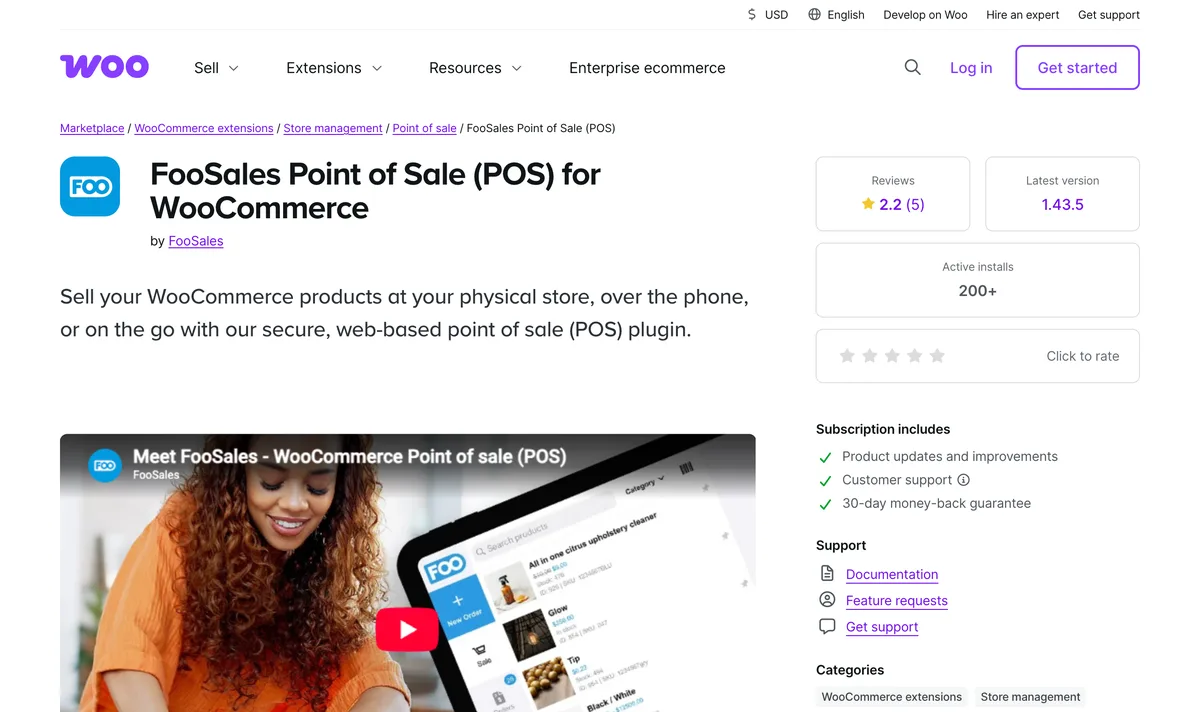
- Payments: Square Terminal and readers, Stripe Terminal readers including S700 and WisePOS E, Tap to Pay on iPhone and Android.
- Offline: limited. Cash and manual card sales work during an outage and sync later.
- WordPress.org: 700+ active installs, 3.2 stars from 13 ratings, updated October 14, 2026.
Pros: Square plus Stripe support; wide hardware list; FooEvents ticket integration.
Cons: no free plan, only a 7-day trial; card payments need the Plus plan.
Pricing: Core from $19 a month and Plus from $38 a month, billed annually, according to the June 2026 pricing page. The FooSales website was offline for maintenance when we checked on October 21, 2026.
Best for: event sellers and stores already using Square hardware.
8. wePOS (best for Dokan marketplaces)
wePOS is a browser-based point of sale plugin by weDevs that works with WooCommerce and the Dokan multivendor plugin. Its standout feature is a separate POS for each Dokan vendor, and the free version includes thermal receipt printing and barcode scanning.
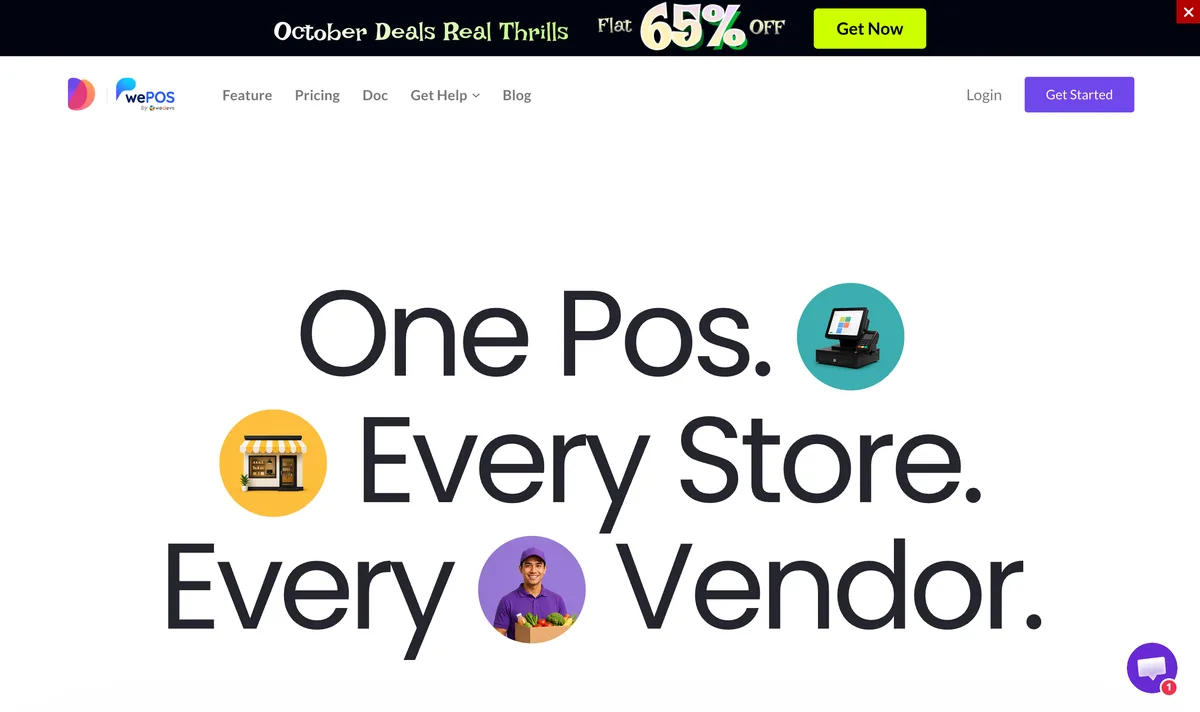
- Payments: cash free; card and other WooCommerce gateways in Pro.
- WordPress.org: 2,000+ active installs, 3.5 stars from 22 ratings, updated September 24, 2026, tested up to WordPress 6.9.
Pros: per-vendor POS for Dokan marketplaces; simple interface.
Cons: offline mode is not documented; recent reviews report Pro issues and slow support; not yet tested with WordPress 7.
Pricing: free plan; Pro Starter lists at $199 a year for 1 site and was on sale for $99 in October 2026.
Best for: Dokan multivendor marketplaces adding in-store sales.
9. Jovvie (best for Stripe hardware)
Jovvie is a hosted point of sale for WooCommerce by BizSwoop that runs in the browser and on iOS and Android. It supports Stripe Terminal readers, Tap to Pay and NMI terminals, and lets each station use its own gateways, currency and tax settings, while every sale is saved as a normal WooCommerce order.
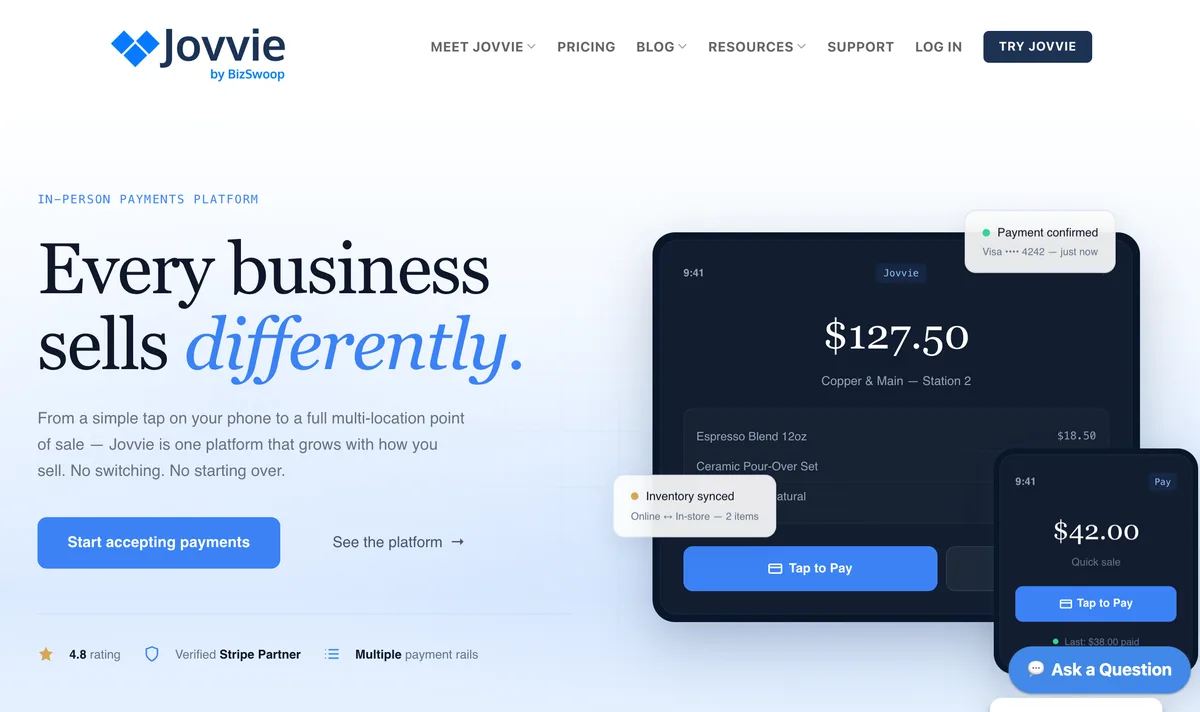
- Hardware: Stripe S700, WisePad 3 and M2; printing and cash drawer kick through BizPrint; USB, Bluetooth and camera scanners.
- WordPress.org: 100+ active installs, 4.5 stars from 22 ratings, updated October 20, 2026.
Pros: polished Stripe hardware support; per-station settings; reviewers praise support.
Cons: a 0.5 to 2.5% platform fee on card sales on top of the subscription; no full offline mode.
Pricing: first 25 orders free; Basic $29 a month and Pro $49 a month, plus the platform fee.
Best for: Stripe-based stores that want a hosted, polished register.
10. Square for WooCommerce (best if you already use Square)
Square for WooCommerce is Woo’s free official plugin that syncs products, prices and stock between WooCommerce and Square. The register itself is Square’s own POS app and hardware, so this suits stores already on Square rather than stores looking for a POS inside WordPress.
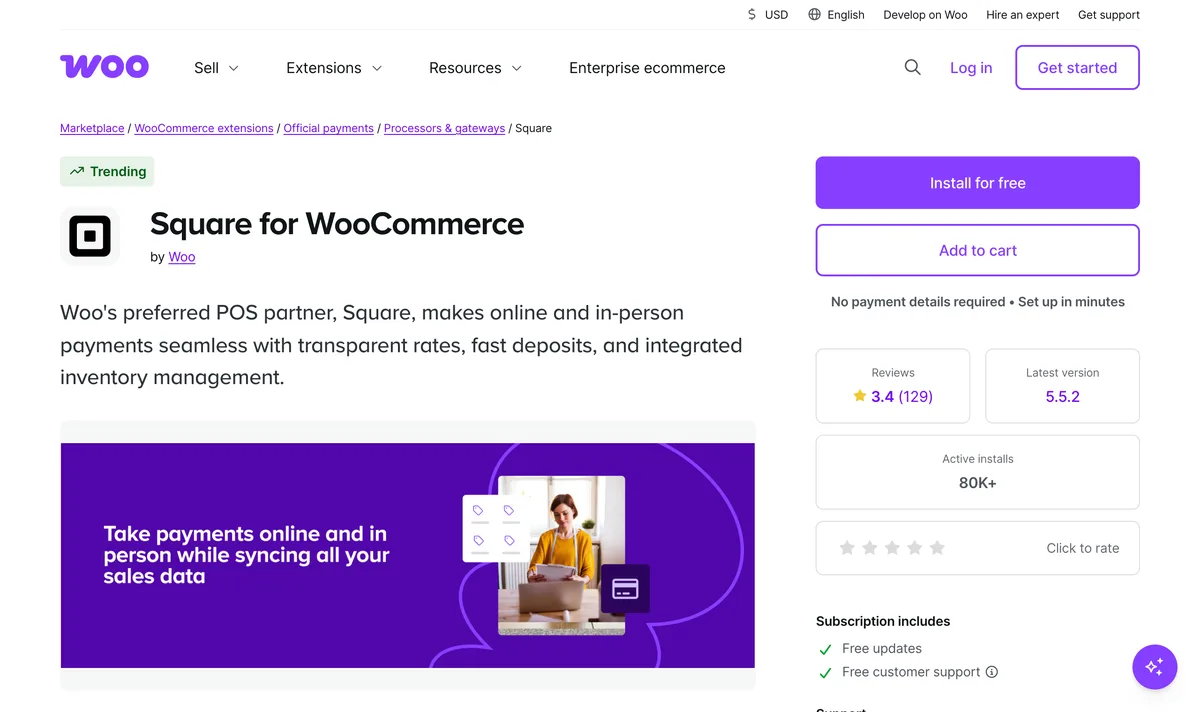
- Sync: two-way product, price and stock sync, with WooCommerce or Square as the system of record.
- Countries: Australia, Canada, France, Ireland, Japan, Spain, the UK and the US.
- WordPress.org: 80,000+ active installs, the most of any option here, but 2.1 stars from 121 ratings; updated October 15, 2026.
Pros: free; official Woo plugin; mature Square hardware.
Cons: many reviews report sync failures; the POS lives outside WordPress.
Pricing: the plugin is free; Square’s processing fees apply.
Best for: stores already selling in person with Square hardware.
11. Hike POS (best for multi-location retail)
Hike is a cloud retail POS that syncs customers, orders and inventory with WooCommerce in both directions. It adds its own HikePay card terminals, register hardware and multi-outlet control, and lets you choose which outlet’s stock appears online. The WooCommerce integration requires the Plus plan.
- Payments: HikePay terminals at 1.5% per in-person transaction.
- Setup: Hike’s help docs warn that duplicate SKUs or barcodes block the first sync, so clean your catalog first.
Pros: full retail suite with a sync log; own payment hardware; strong multi-outlet tools.
Cons: the most expensive option for WooCommerce; offline mode is not described on the pages we checked.
Pricing: Plus is $99 a month billed annually or $119 monthly, with a 14-day free trial.
Best for: retailers with several outlets who want a complete retail management system.
12. ConnectPOS (best for large and multi-platform retailers)
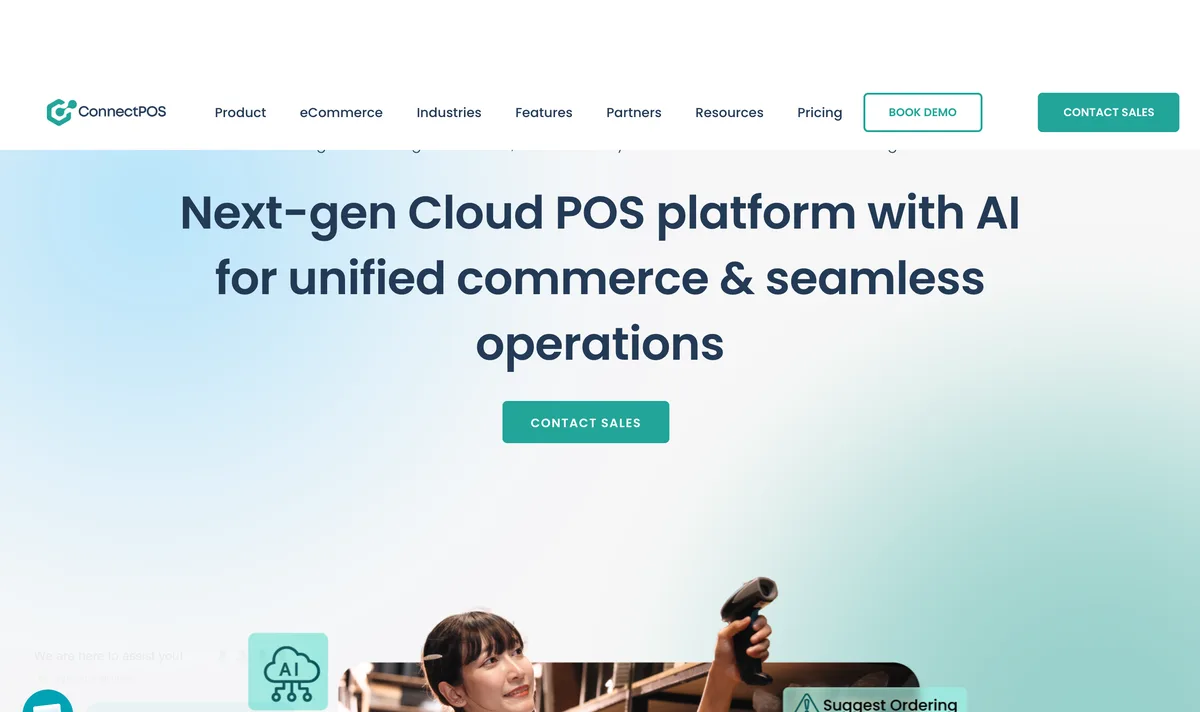
ConnectPOS is a cloud POS for PC, iOS and Android that connects to WooCommerce and other ecommerce platforms. It switches to offline mode automatically, supports multi-source inventory across locations, and lists more than 50 payment and hardware integrations, but it is priced per register.
- Payments: integrations include Authorize.net, PayPal Zettle and Cardknox.
- WordPress.org: 50+ active installs, 4.6 stars from 20 ratings, updated October 9, 2026, but only tested up to WordPress 6.7.
Pros: automatic offline mode; multi-source inventory; works across several ecommerce platforms.
Cons: per-register pricing adds up; low WooCommerce adoption.
Pricing: Standard from $39 per register a month billed yearly, or $49 monthly.
Best for: chains and fashion retailers selling across more than one platform.
How do I choose the right WooCommerce POS?
Choose a WooCommerce POS by checking five things in order: how you take cards, whether you need offline sales, how many locations you run, the hardware you already own, and the total yearly cost including card fees. Most stores can rule out half this list on the first two questions alone.
- Card payments: decide between an integrated reader (WooCommerce POS, WCPOS Pro, Oliver, FooSales, Jovvie) and a separate terminal you already own (choPOS, YITH POS).
- Internet reliability: if your venue has weak Wi-Fi, shortlist Oliver POS, Openpos or ConnectPOS.
- Locations: count stores and registers, then check the plan that covers them, not the cheapest plan.
- Hardware: confirm your receipt printer, scanner and cash drawer are supported before you buy.
- Total cost: add subscription, per-register charges, card reader fees and platform fees for a full year.
What hardware do you need for a WooCommerce POS?
A WooCommerce POS needs a device to run the register, usually a tablet or computer, plus a barcode scanner, a receipt printer and a way to take cards. A cash drawer is optional. Browser-based plugins work with most USB and Bluetooth scanners, which behave like keyboards, so they need no driver.
Receipt printers are where options differ most. choPOS prints through the browser’s print dialog, WCPOS prints over network, Bluetooth or USB, Jovvie prints through BizPrint, and the WooCommerce POS app does not support printers yet. If you plan a busy counter, test printing on your exact printer during the free trial or free version.
Which WooCommerce POS plugin is best?
For most WooCommerce stores, choPOS is the best place to start because the free version covers a complete register inside WordPress with no product, order or device limits and no fees. Choose WCPOS for desktop apps and integrated readers, Oliver POS for offline selling, and Hike or ConnectPOS when you run several locations and need a full retail system.
Planning your store’s budget? See what 100 WooCommerce extensions cost in 2026. Selling food? Compare restaurant management plugins for WordPress. Getting ready for the holidays? Read our BFCM 2026 guide for WordPress stores, and check how each extra plugin affects speed in our plugin performance test.
Frequently asked questions
Does WooCommerce have its own POS system?
Yes. WooCommerce POS is free inside the WooCommerce mobile app for iOS and Android tablets. It takes cards through WooPayments or Stripe readers in 10 countries, including the US and UK, but does not support receipt printers, cash drawers or offline mode yet.
What is the best free POS for WooCommerce?
choPOS is the best free WooCommerce POS for selling inside WordPress, with unlimited cashiers, devices, receipts and barcode scanning. WCPOS is the best free option if you want desktop apps. The official WooCommerce POS is free for tablet card sales in supported countries.
Can a WooCommerce POS work offline?
Some can. Oliver POS is offline-first, Openpos and ConnectPOS have offline modes, and FooSales keeps cash and manual card sales working during an outage. choPOS, YITH POS, Jovvie and the WooCommerce POS app need an internet connection, and WCPOS saves orders offline but needs a connection to take payment.
Does Square work with WooCommerce?
Yes. The free Square for WooCommerce plugin syncs products, prices and stock between the two, and FooSales and Openpos can use Square card readers inside their own POS. Square for WooCommerce is available in eight countries, including the US, UK, Canada and Australia.
How much does a WooCommerce POS cost?
A WooCommerce POS costs anywhere from free to over $1,000 a year. choPOS, WCPOS, wePOS and the WooCommerce POS app have free versions; Openpos is $74 once; YITH POS is €179.99 a year; Hike starts at $99 a month for WooCommerce. Card processing fees are extra on every option.
Can I use a WooCommerce POS on an iPad?
Yes. Browser-based plugins such as choPOS, WCPOS and YITH POS run in Safari on an iPad, and Oliver POS, FooSales, Jovvie and the WooCommerce POS app have native iPad apps. Check card reader support on iPad before buying, because it varies by plugin and country.

Leave a Reply