Category: Security
-

Wordfence Free vs Premium: Which Features Matter?
Compare Wordfence Free vs Premium by firewall rules, malware signatures, IP blocking, audit logs, support, pricing, and best…
-

How to Block PHP Execution in WordPress Uploads
Block PHP execution in WordPress uploads on Apache, LiteSpeed, or Nginx, then verify media loads while test scripts…
-
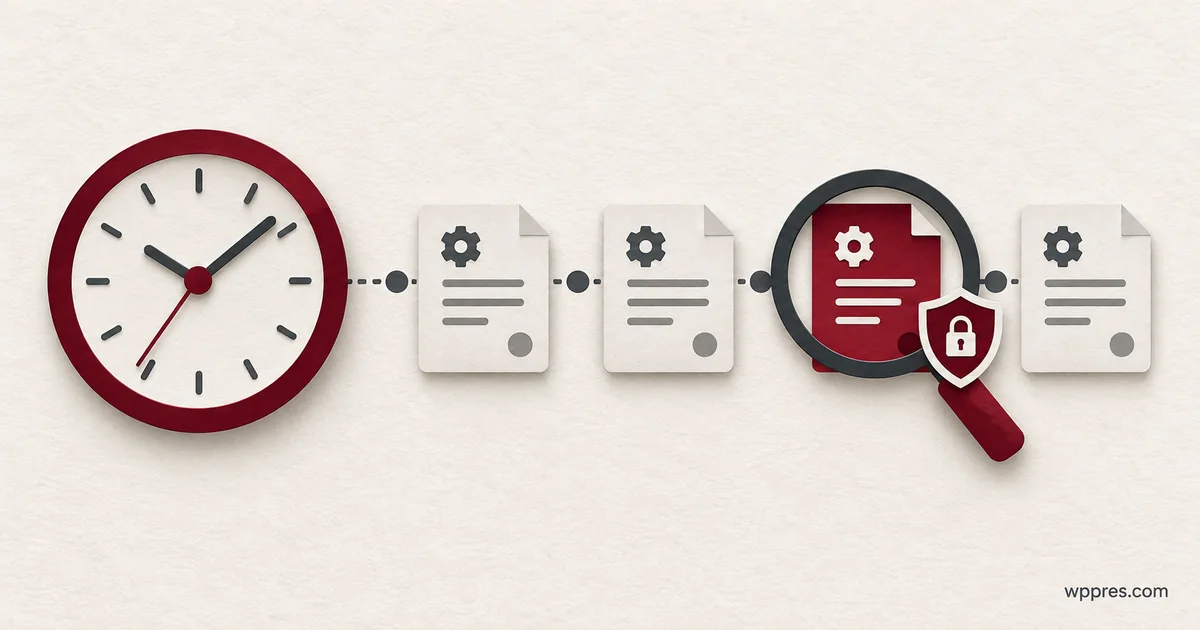
How to Audit WP-Cron for Suspicious Scheduled Tasks
Audit WP-Cron for suspicious scheduled tasks, trace each hook to its owner, remove confirmed persistence, and verify it…
-

How to Check wp_options for Malicious WordPress Entries
Check wp_options for malicious WordPress entries with WP-CLI, trace suspicious values, and remove confirmed database malware safely.
-

How to Disable Directory Listing in WordPress
Disable directory listing in WordPress on Apache or Nginx, verify folder access, and keep intended public images working.
-

How to Track Plugin and Theme Changes in WordPress
Track WordPress plugin changes and theme activity, test your event log, and use a maintenance timeline to investigate…
-
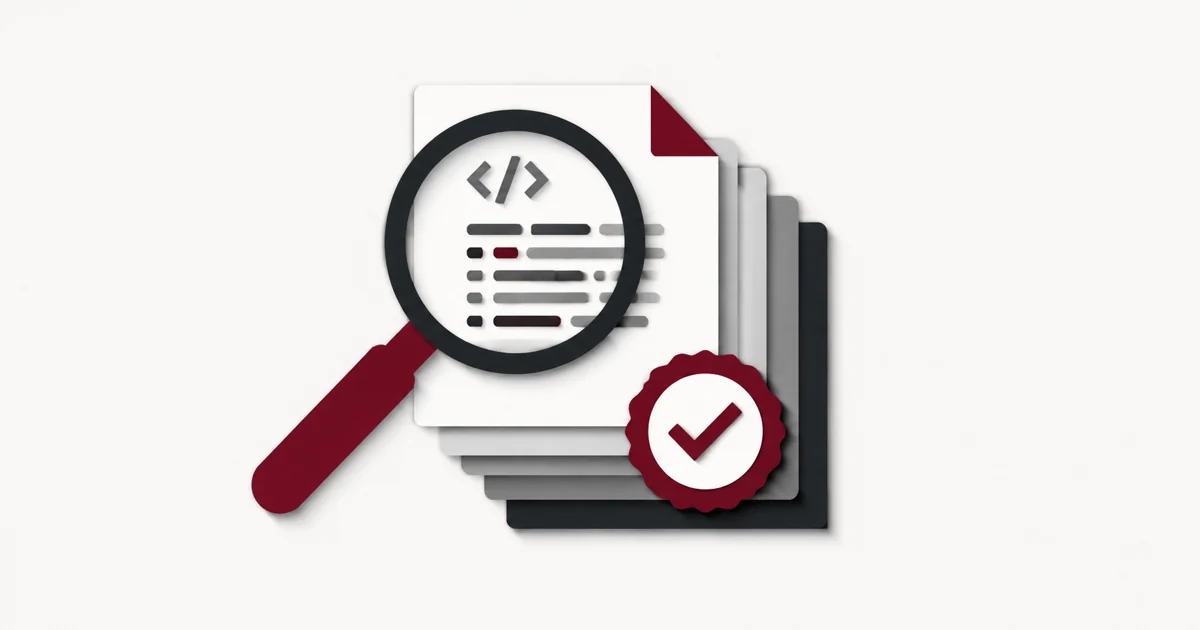
How to Verify WordPress Core Files with WP-CLI
Verify WordPress core checksums with WP-CLI, interpret mismatches, and understand what a passing result does and does not…
-
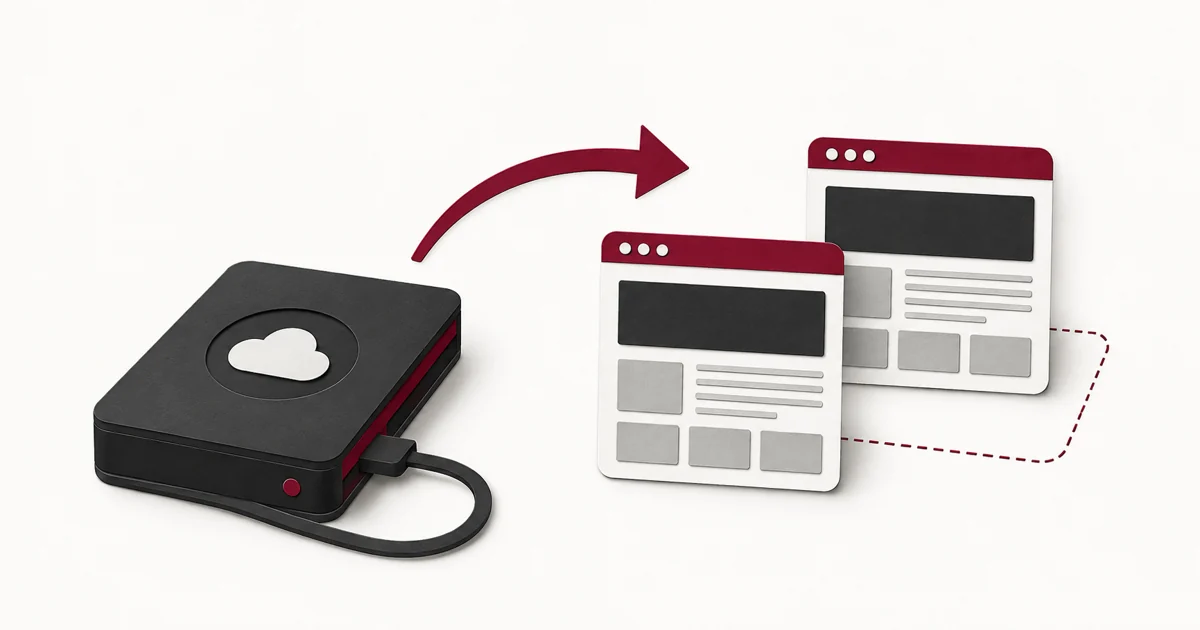
How to Test a WordPress Backup Before Restoring
Test a WordPress backup in an isolated environment and verify content, media, logins, and forms before relying on…
-

How to Enable Two-Factor Authentication in WordPress
Set up WordPress two-factor authentication, save recovery codes, and verify a fresh login using the free Two Factor…
-
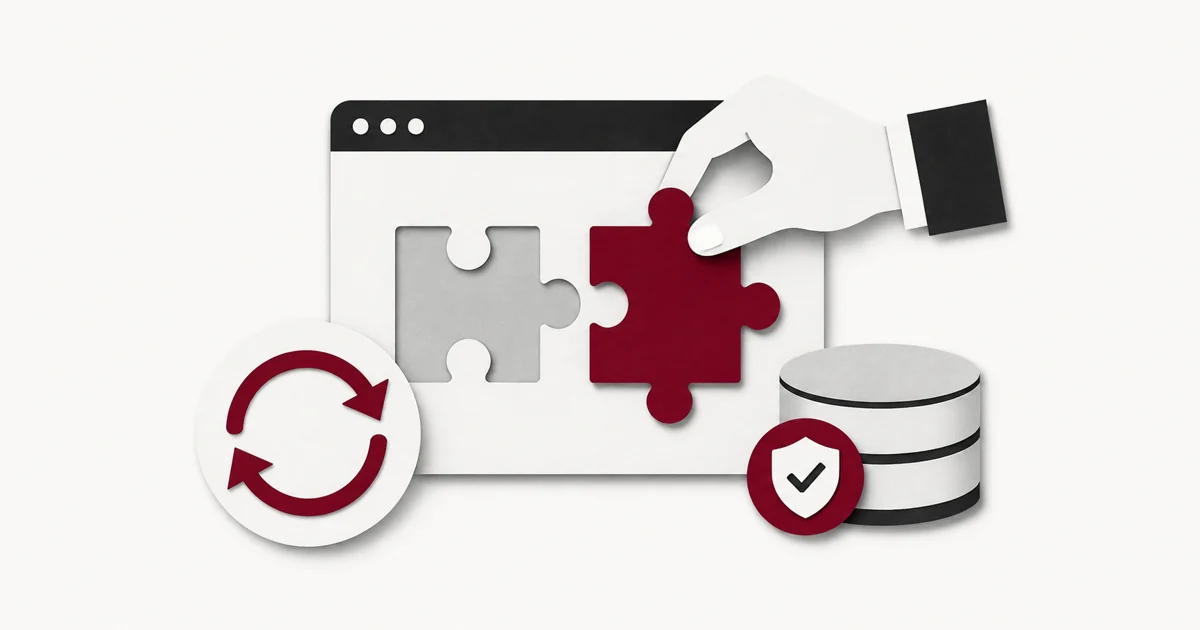
How to Update WordPress Plugins Safely on a Live Site
Update WordPress plugins safely with staging checks, a recoverable backup, a monitored rollout, and focused post-update tests.